



Campaign builder
Turn one event into a week of posts.
Tell Townlight about the live music night, the fall special, the new donut or the job you need to fill. It writes every post in the campaign, dates each one for 9 am on its day, and lines them up on your calendar for your OK.
Event, promotion and hiring campaigns are included from the Growth plan up. Your free 14-day trial includes everything in Pro.
Four kinds of campaign
Pick what's happening. The posts follow.
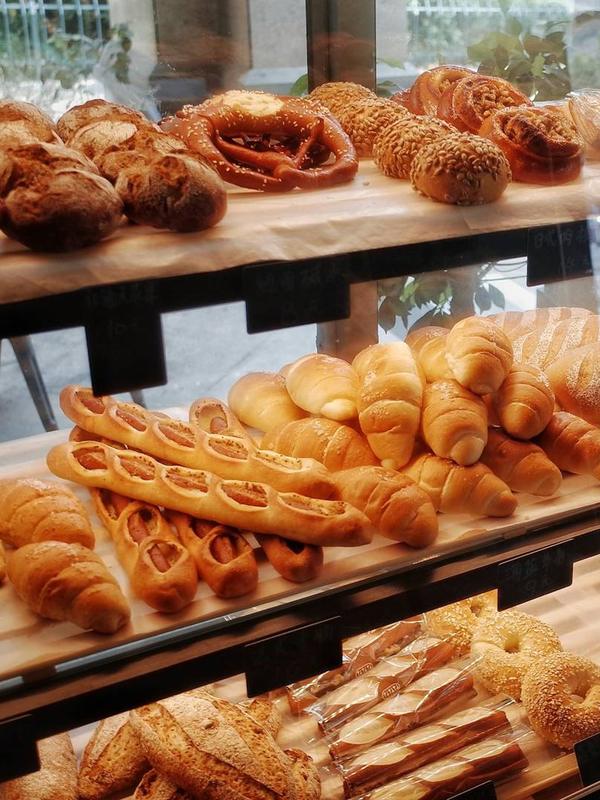
Each kind has its own run of posts, timed around your dates. Here's what each one looks like for our made-up bakery.
From save the date to thank you.
Live music, a tasting, a class, a block party. The campaign builds up to the day and says thanks afterwards.
- Up to two hosts each get a “Meet” post, written from their team profile
- The reminder repeats tickets, parking or what to bring only if you added them
- The thank-you never invents a headcount or how it went
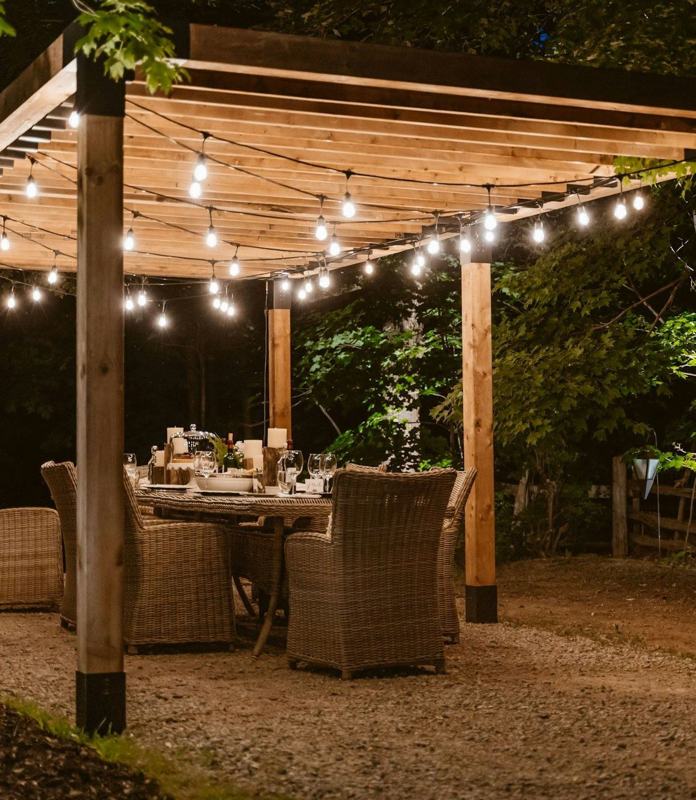
One of the posts, on a real template
- Save the dateFacebook10 days before · 9:00 am
- What to expectInstagram5 days before · 9:00 am
- Meet HannahInstagram3 days before · 9:00 am
- See you tomorrowFacebookThe day before · 9:00 am
- It's todayInstagramOn the day · 9:00 am
- Thank you for comingFacebookThe day after · 9:00 am
A teaser, the big day and a last call.
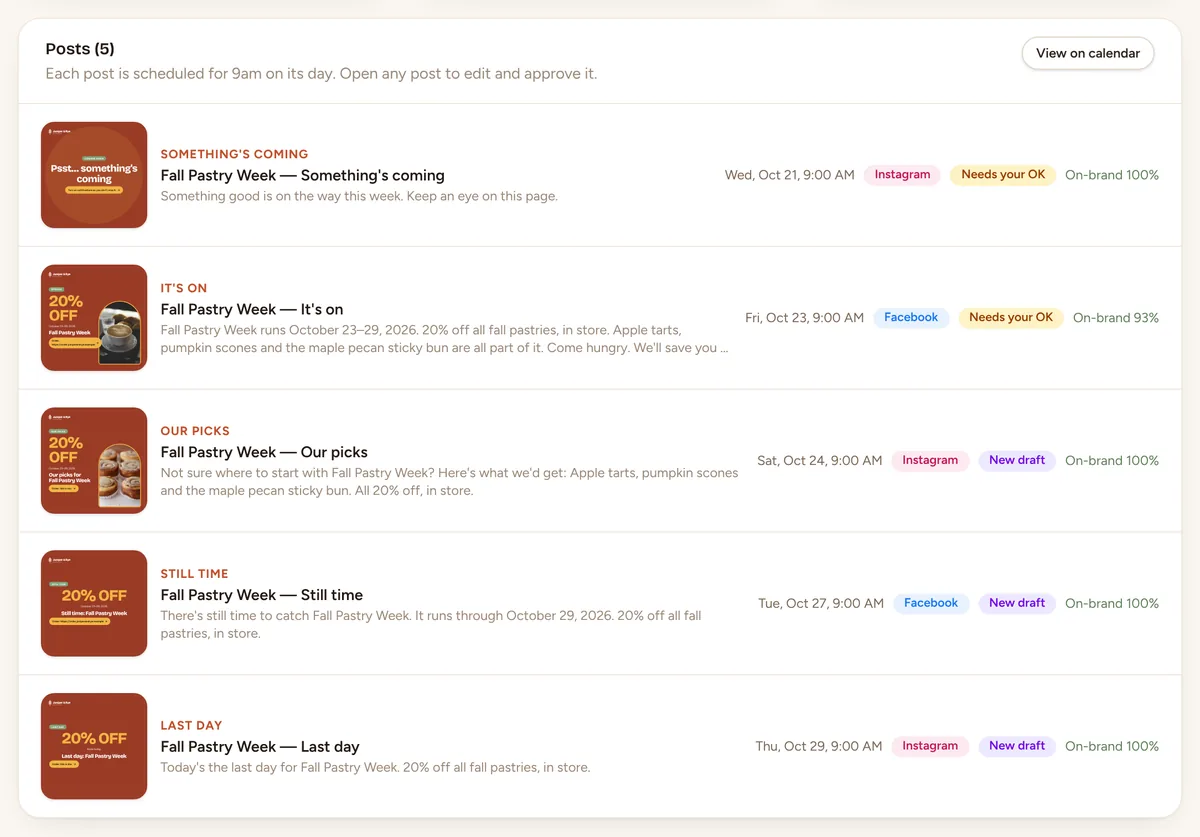
A sale, a bundle, a holiday special. The offer is repeated exactly as you entered it, conditions and code included.
- “Our picks” suggests what to get, only from your own products
- No end date? The end-of-sale reminders are skipped
- Never adds a deadline or “only a few left” you didn't mention
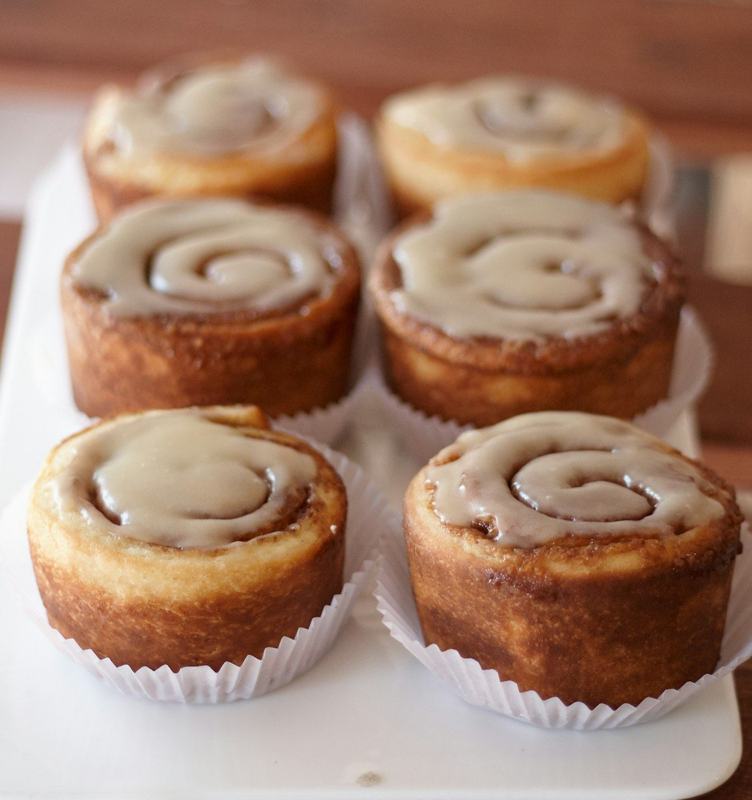
One of the posts, on a real template
- Something's comingInstagram3 days before · 9:00 am
- It's onFacebookFirst day · 9:00 am
- Our picksInstagram1 day in · 9:00 am
- Still timeFacebook2 days before it ends · 9:00 am
- Last dayInstagramLast day · 9:00 am
Coming soon, then here, then “have you tried it?”
A new menu item, a new service, a new class. The launch run builds a little buzz and checks in after.
- Features and prices only as you entered them
- “How we made it” credits the people involved
- Quotes customers only when you've given it their words
One of the posts, on a real template
- Coming soonInstagram5 days before · 9:00 am
- It's hereFacebookLaunch day · 9:00 am
- How we made itInstagram2 days in · 9:00 am
- Have you tried it?Facebook5 days in · 9:00 am
Two weeks to fill a spot on the team.
We're hiring, a day on the team, meet the people, why work here, the questions applicants ask, and a last call.
- Roles, location and how to apply exactly as you gave them
- Never states pay, benefits or schedules you didn't provide
- LinkedIn is there if that's where your applicants are
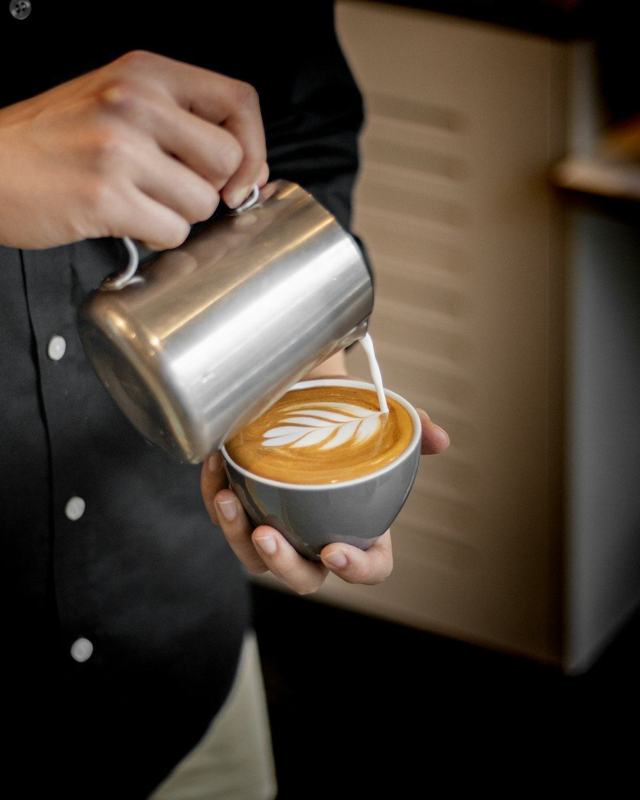
One of the posts, on a real template
- We're hiringFacebookDay 1 · 9:00 am
- A day on the teamInstagramDay 3 · 9:00 am
- Meet SamInstagramDay 5 · 9:00 am
- Why work with usFacebookDay 8 · 9:00 am
- Questions applicants askFacebookDay 10 · 9:00 am
- Apply nowInstagramDay 13 · 9:00 am
What you tell it
Four quick answers.
Step 1: What it is
An event, a promotion, a launch or a hiring push, with its name and dates. Add the details people need: price, tickets, a code, what to bring.Step 2: Who's involved
Pick hosts or team members from your team profiles. Their roles, specialties and fun facts shape the “Meet” posts.Step 3: What you want out of it
Bring people in, Celebrate with regulars, Meet new customers, Sell tickets or spots, or something else. The posts lean that way.Step 4: Write the campaign
Every post is written and placed on the calendar as a draft. Each one counts as one of your plan's posts.
What comes back
The whole kit, not just the posts.
Every post, dated
Late start? No problem
Video and Reel ideas
A story sequence
An email to your list
Approve all, or one by one
Built from your details
Event posts are where AI usually embarrasses people. Not here.
Wrong dates, invented guests, a discount you never offered. Townlight's campaigns are written only from what you entered and what's in your records.
- Dates, times and prices come straight from your event or promotion
- Hosts come from team profiles; nothing about a person is made up
- Offers are repeated exactly, including any conditions
- Each post knows where it sits: a week out, the day before, the day itself
- Anything you didn't say stays out
Your next event deserves more than one post.
Start the free trial, add your business details and a few photos, and see your first week of posts the same afternoon. Nothing goes out until you say yes.